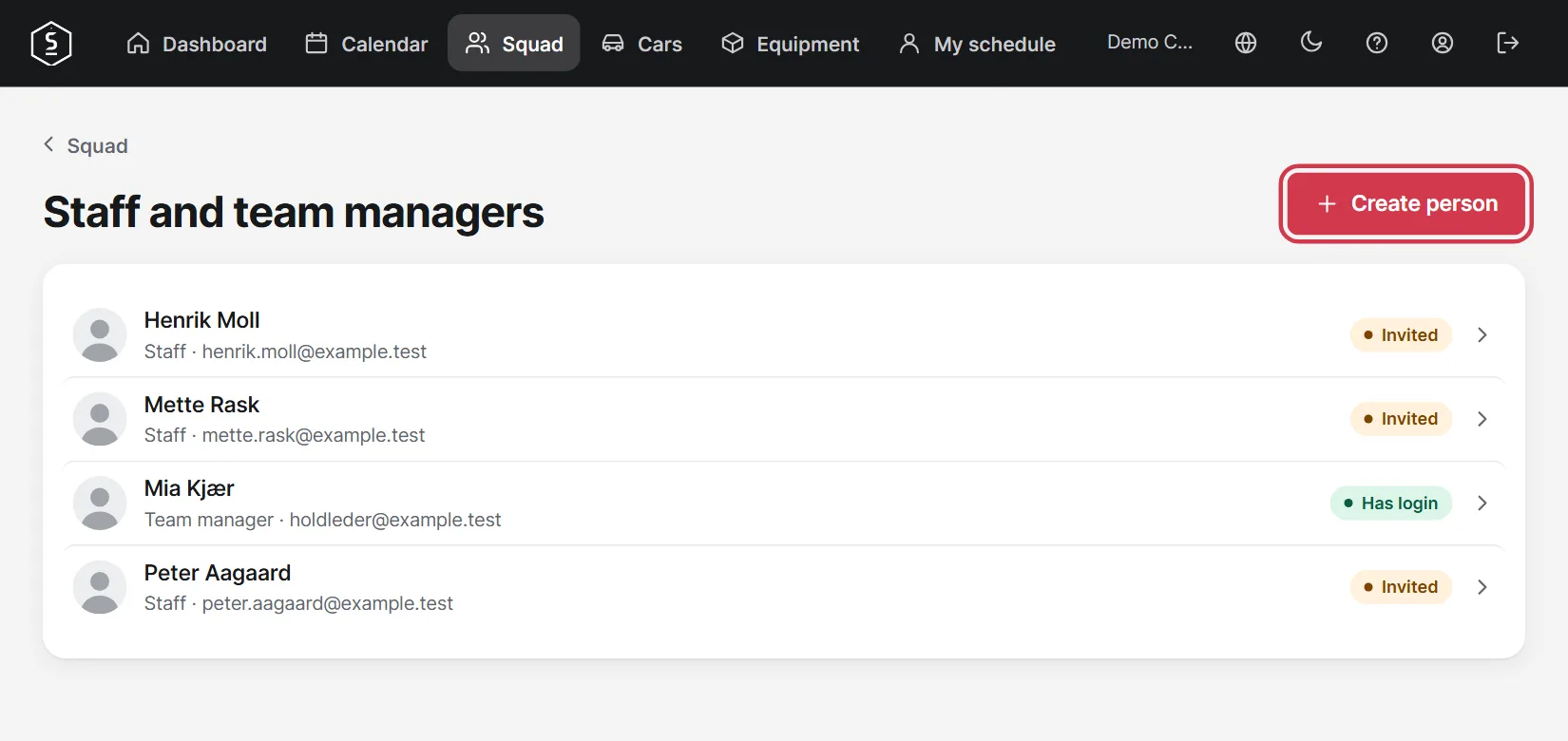
Create your team members, give them a login and keep track of licences.
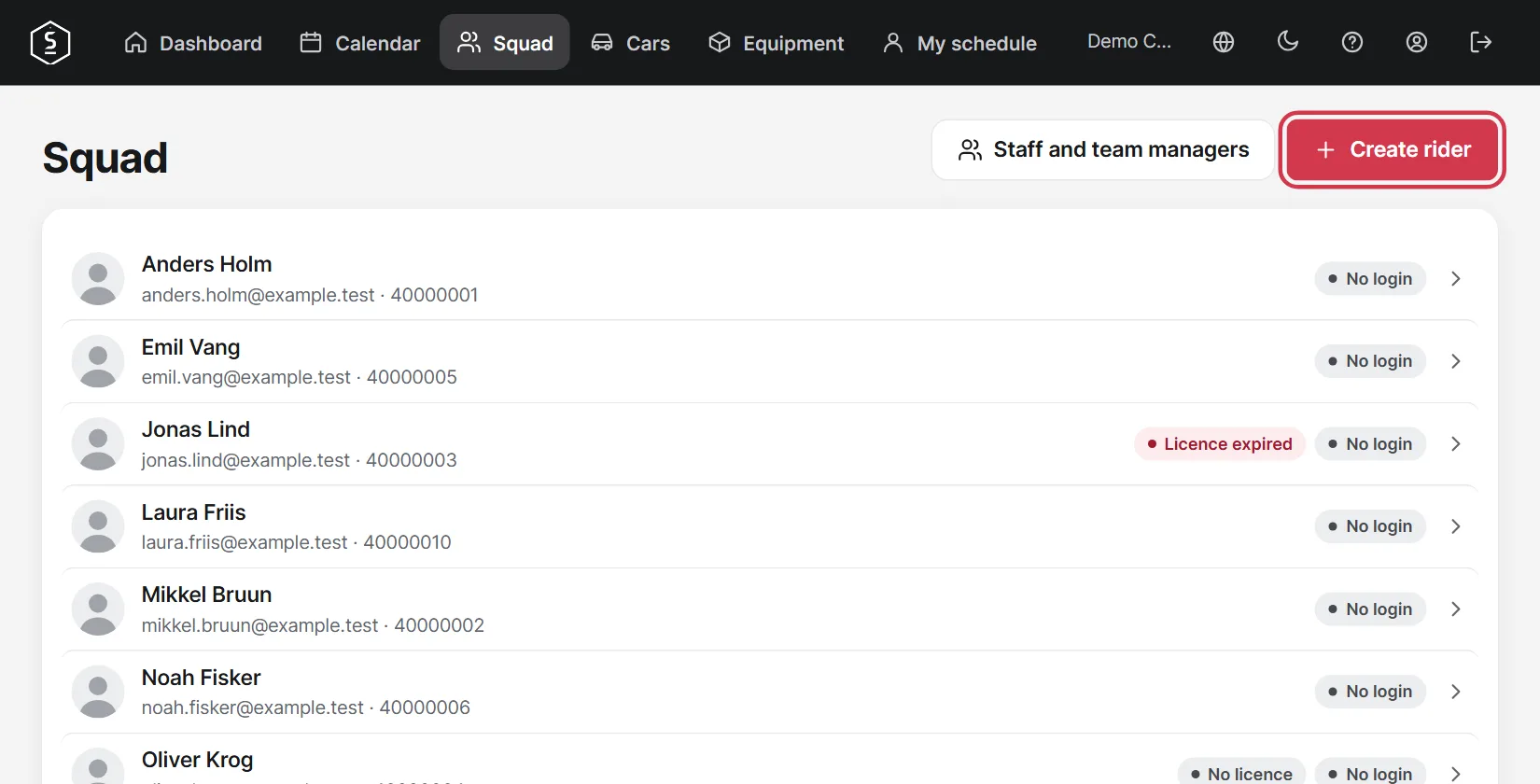
Go to Squad and tap Create rider.
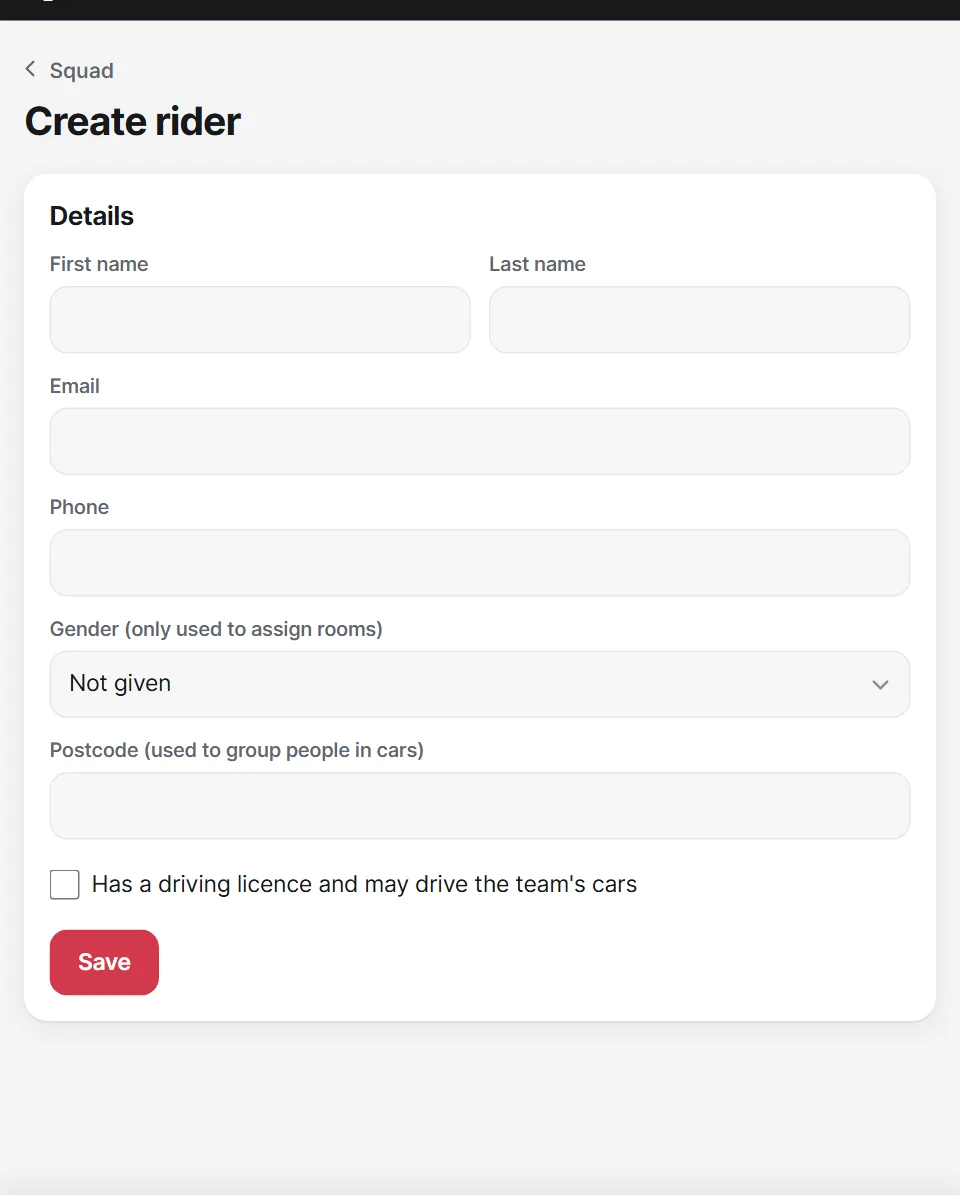
A name and email are enough to get started. Driving licence, postcode and gender are used when the app assigns people to cars and rooms.
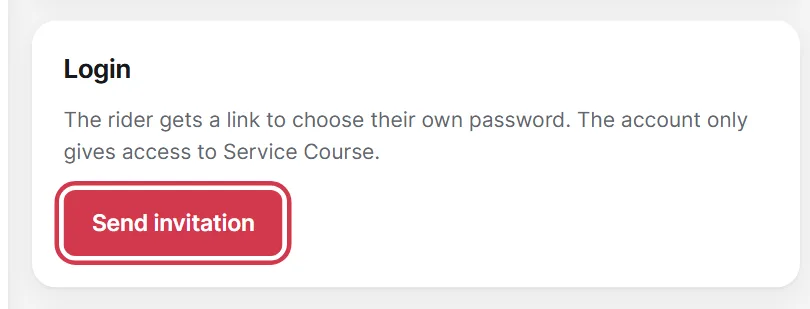
Open the rider and tap Send invitation. The rider gets a link by email and chooses their own password.
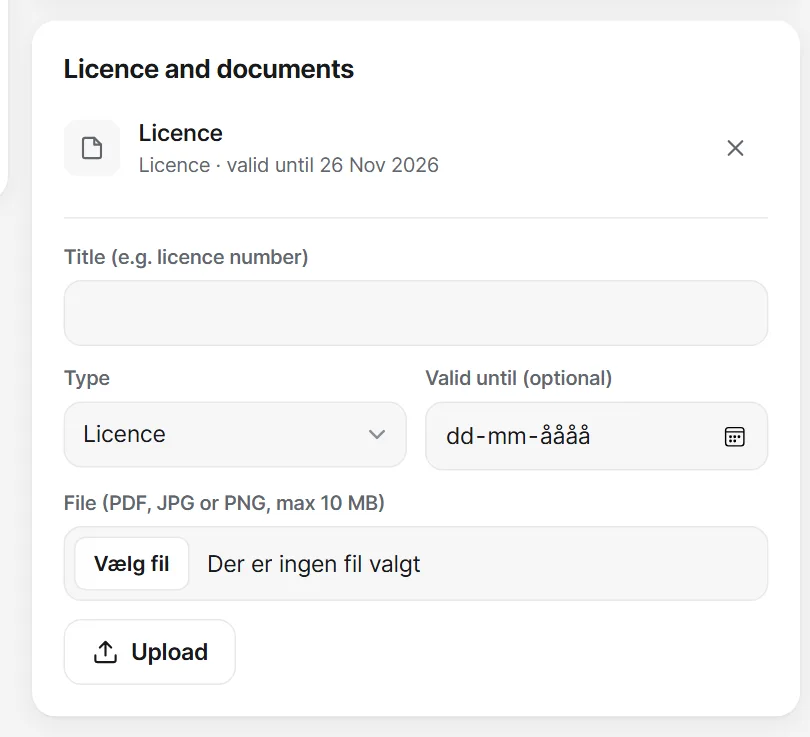
Upload the licence under Licence and documents and enter how long it is valid. The app warns you if a licence is missing or expires before a race.
Tap Staff and team managers under Squad, then Create person. This is also where you make someone else a team manager.