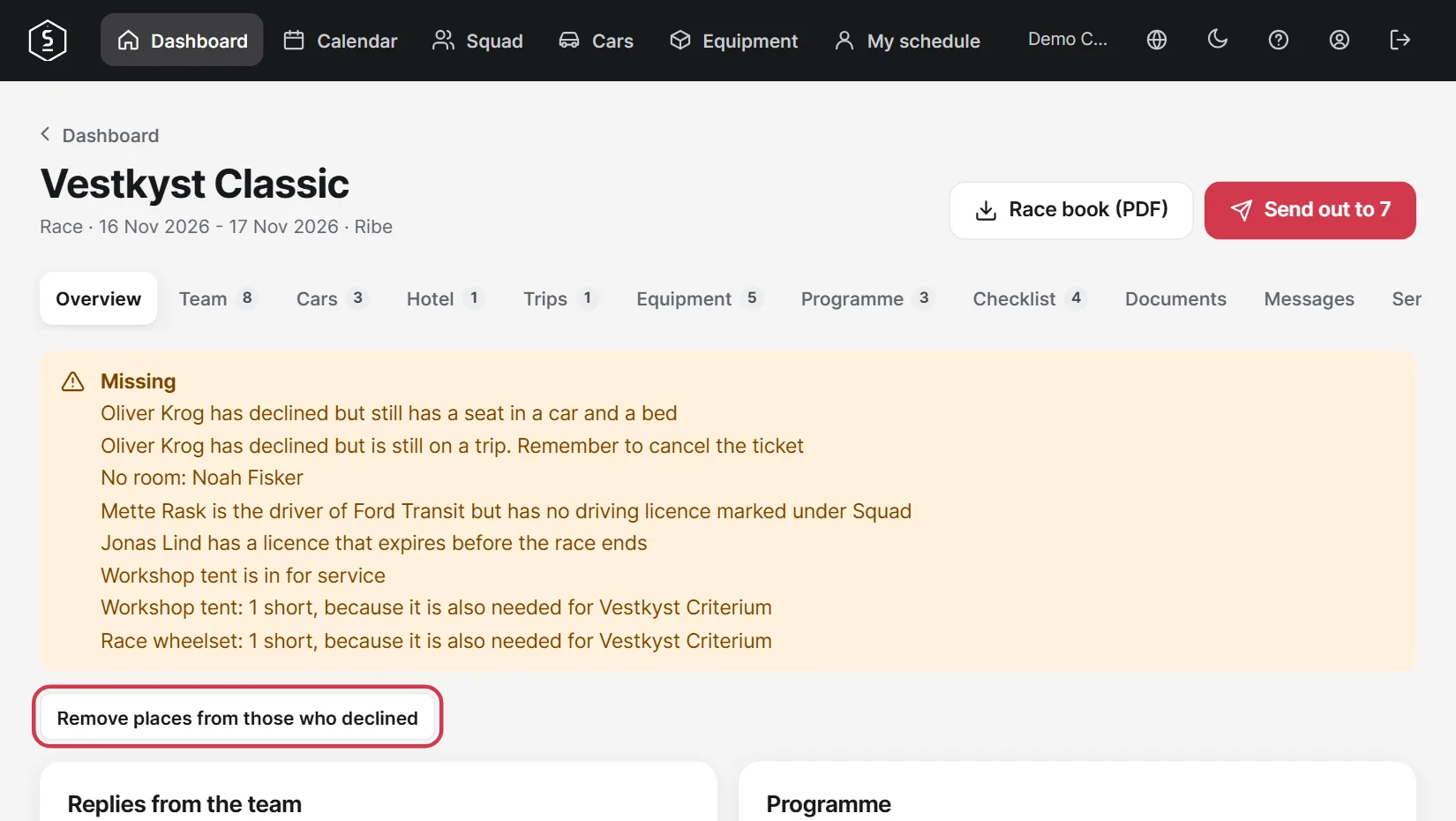
Tell the team and see who is coming.
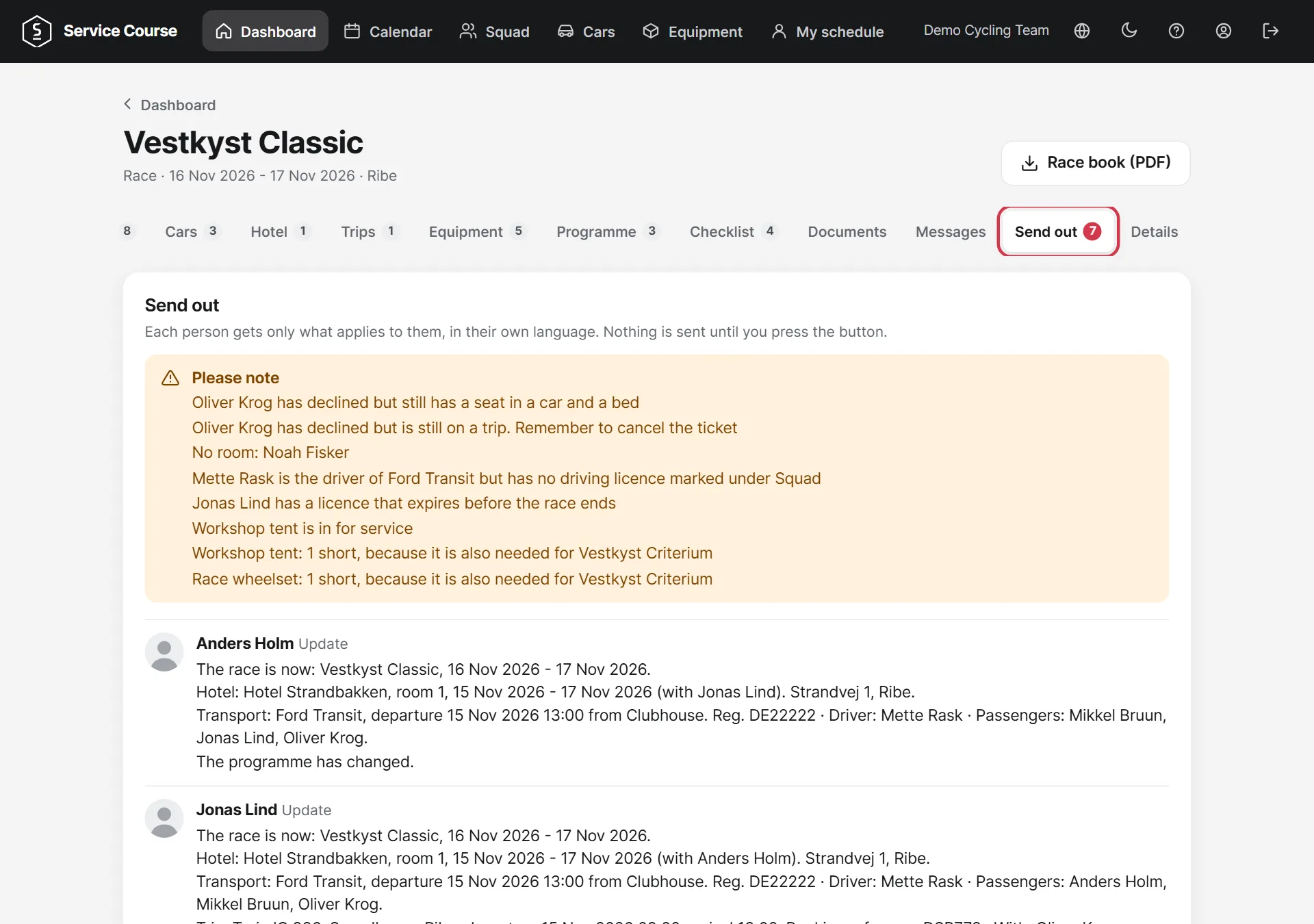
The Send out tab shows the message for each person. Everyone only gets what applies to them, in their own language. Anything you should fix first is at the top.
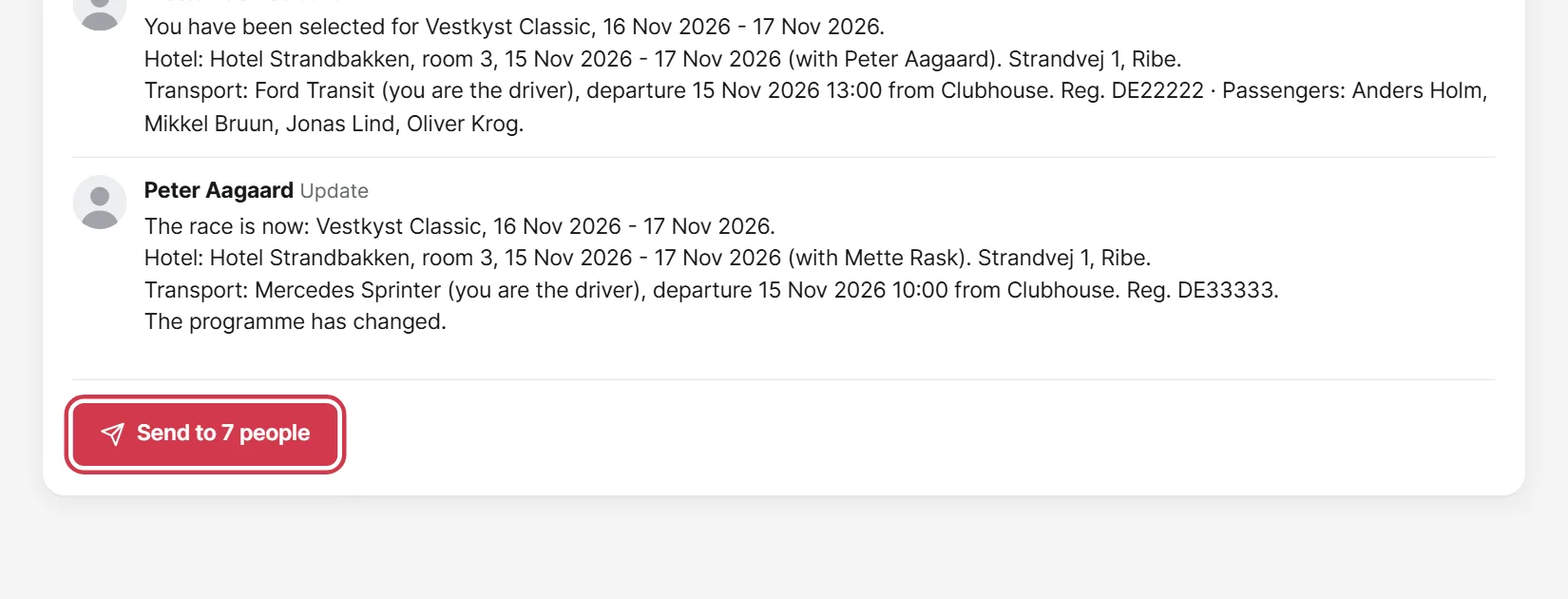
Nothing is sent until you tap the button at the bottom of the page. If you change something later, you can send an update.
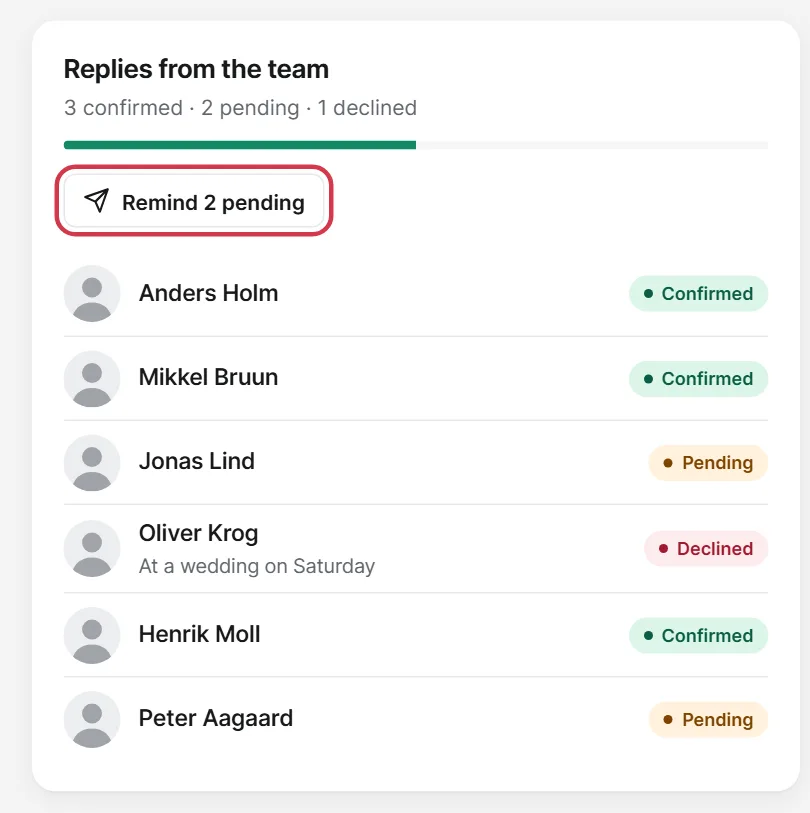
The Overview tab shows who has confirmed, is pending or has declined. You can remind those who have not replied with one tap.
If someone has declined but still has a car seat or a bed, you can clear it with Remove places from those who declined.