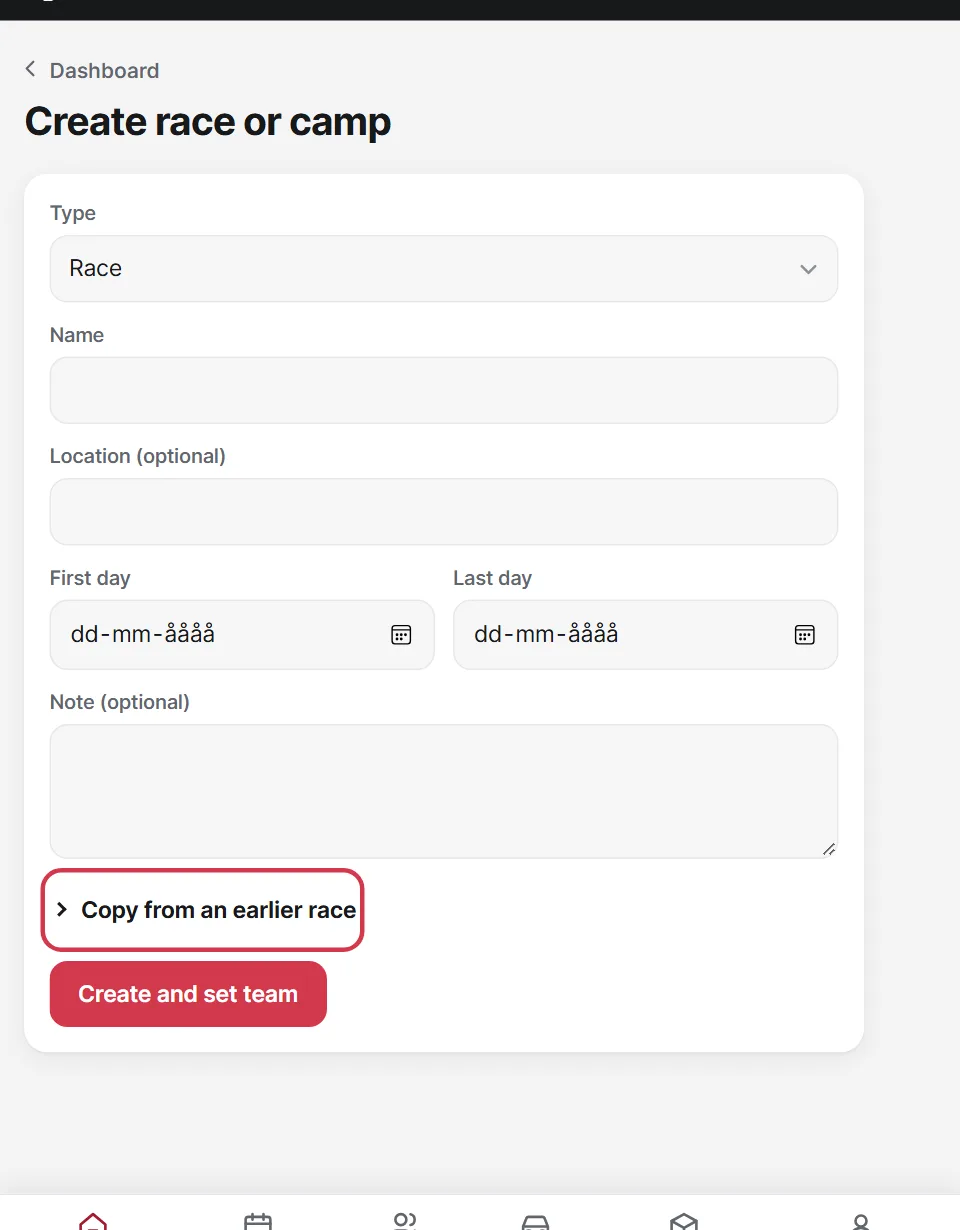
Races, training camps, test days and meetings are all created the same way.
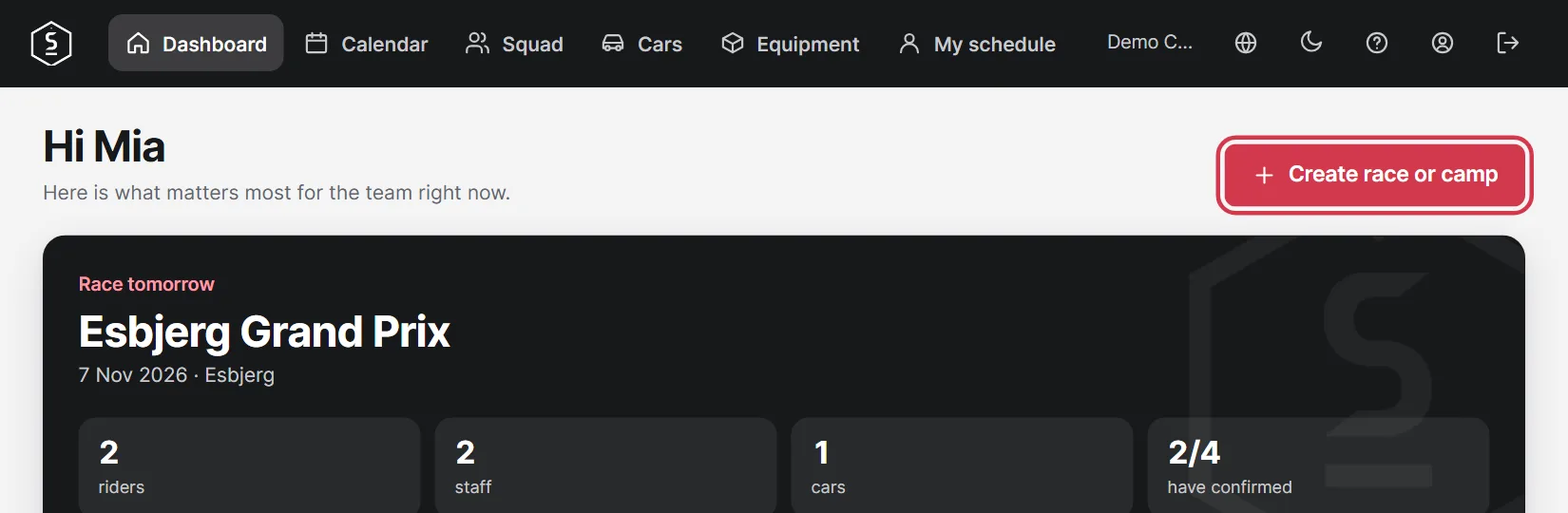
Tap Create race or camp on the Dashboard.
Choose the type, name and dates. Under Copy from an earlier race you can bring over the team, cars, hotels, equipment, tasks and programme from another race. Dates move along, and nothing is sent out.