See your races, reply to selections and find all the practical details on your phone.
My schedule shows your upcoming races and your documents. You get started with the link in the invitation from your team.
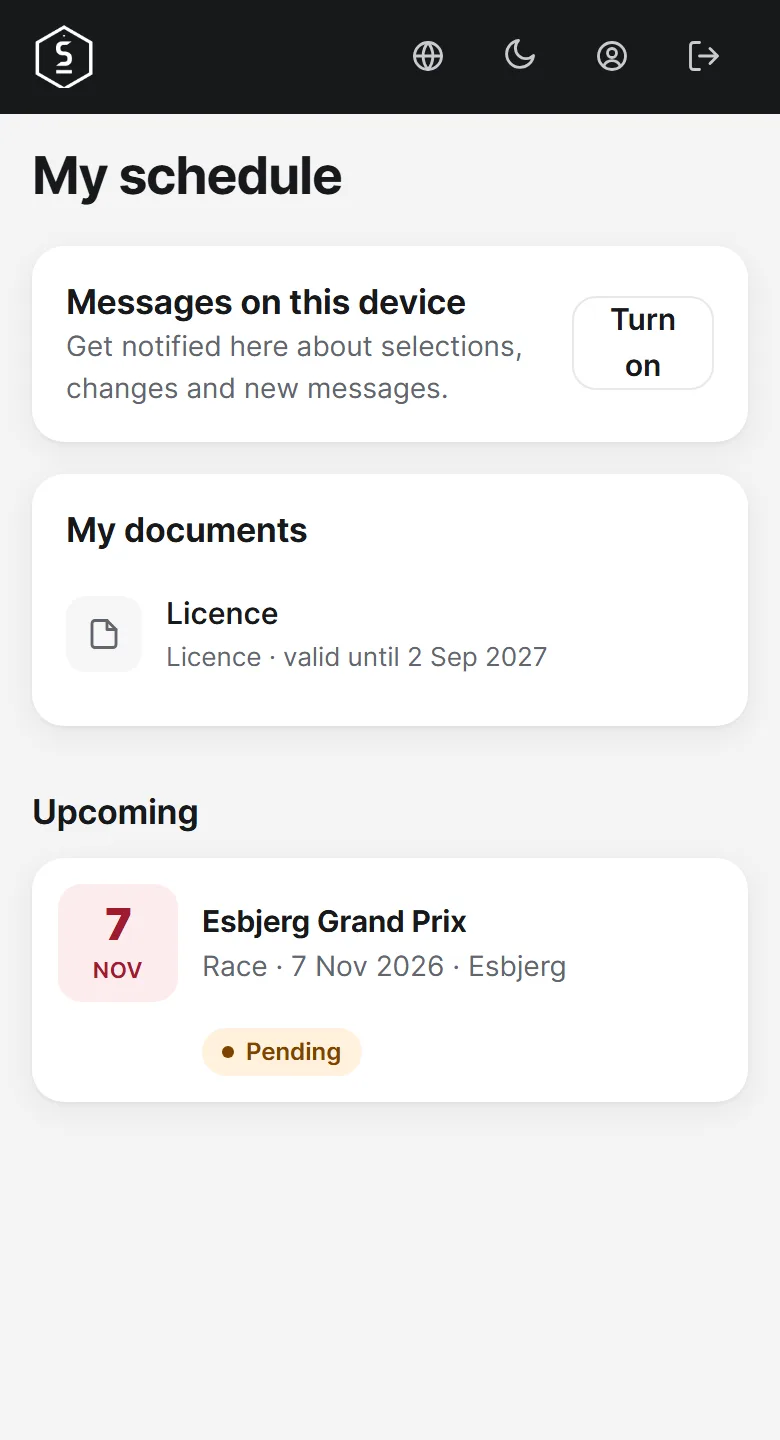
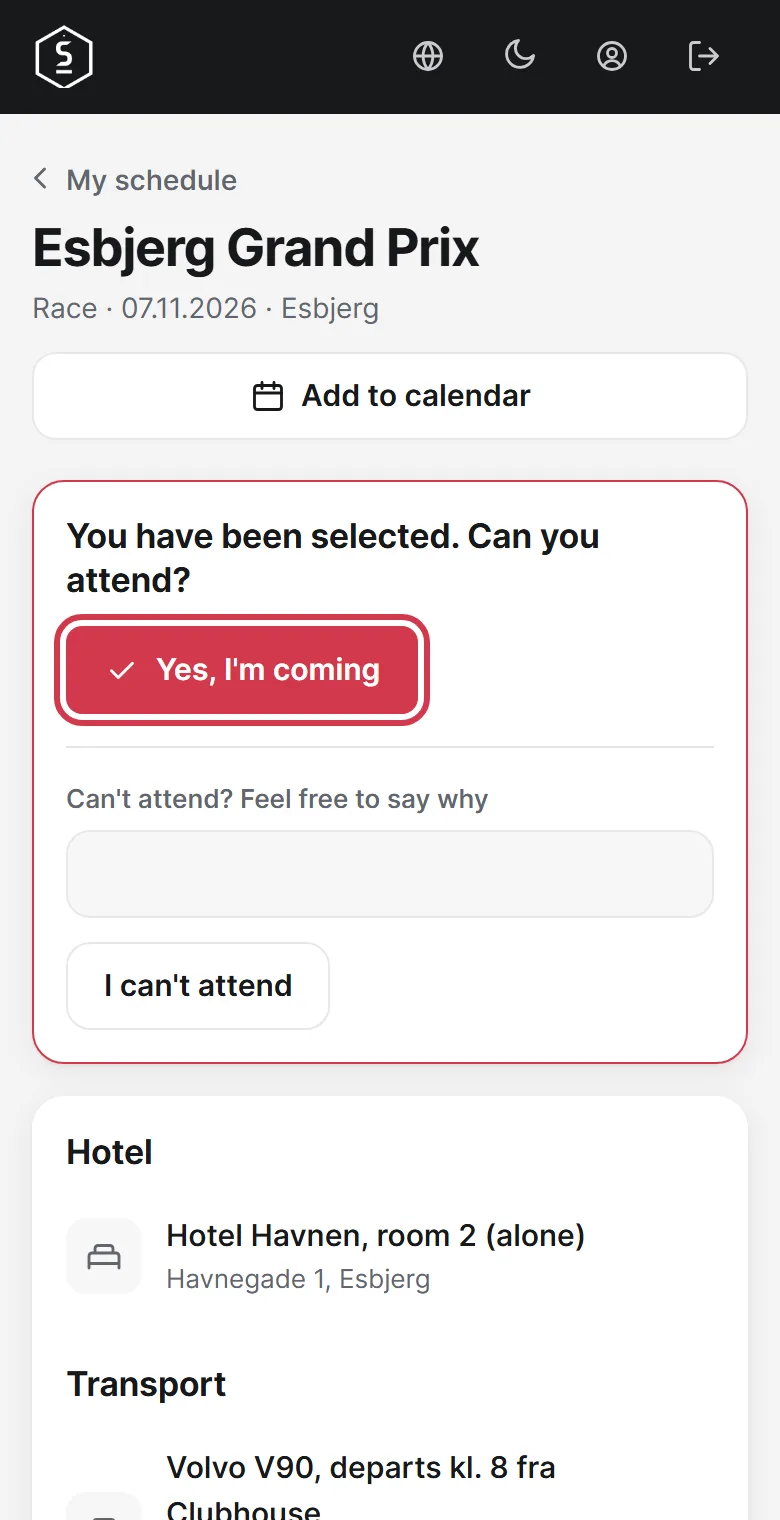
Open the race and tap Yes, I'm coming. If you cannot make it, say why if you like and tap I can't attend.
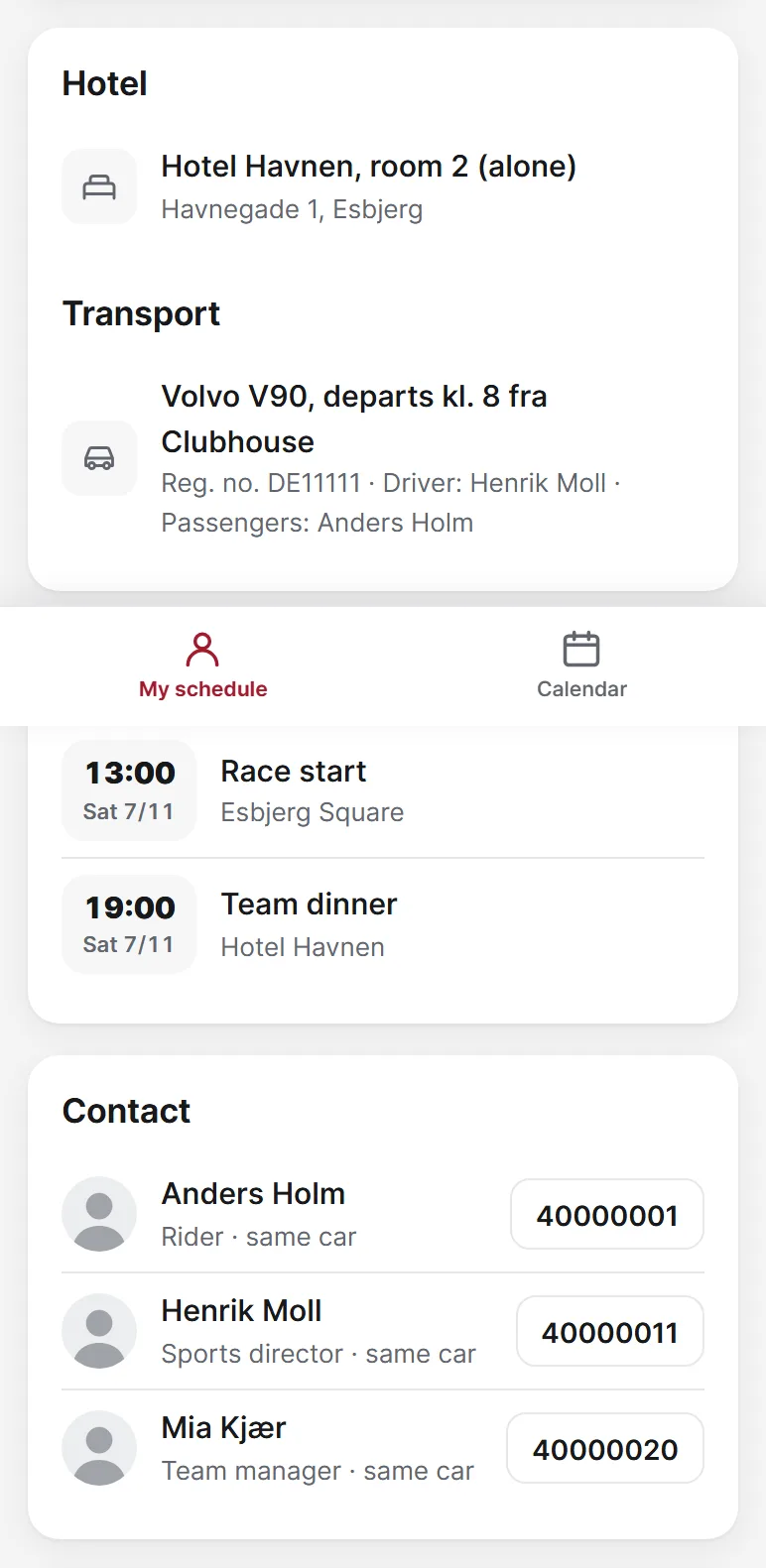
Here you find your room, your car, the programme and the phone numbers you need.
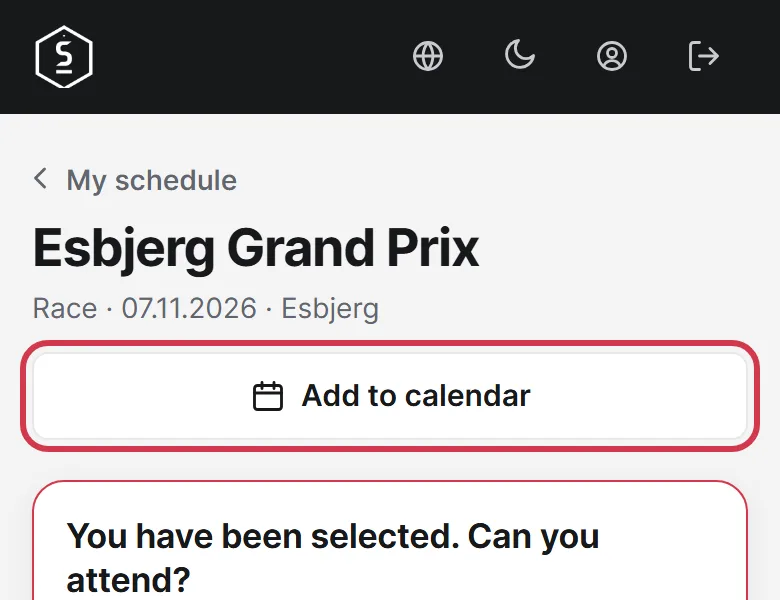
Tap Add to calendar to put the race in your phone's calendar.
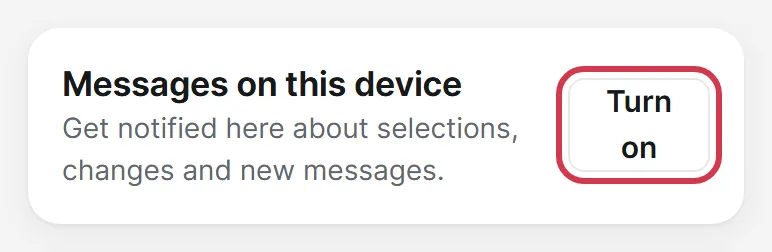
Tap Turn on to be notified when there is news. On iPhone, the app must first be on your home screen.