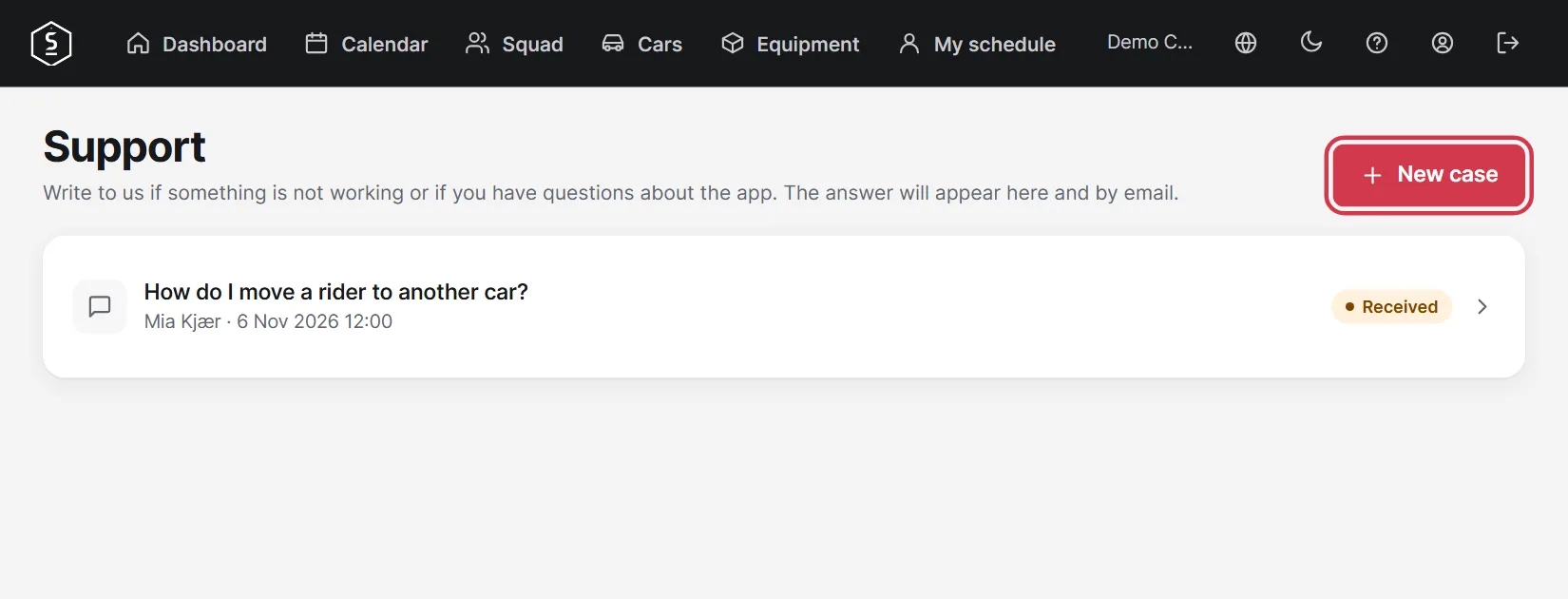
Team name, subscription, billing details, language and password.
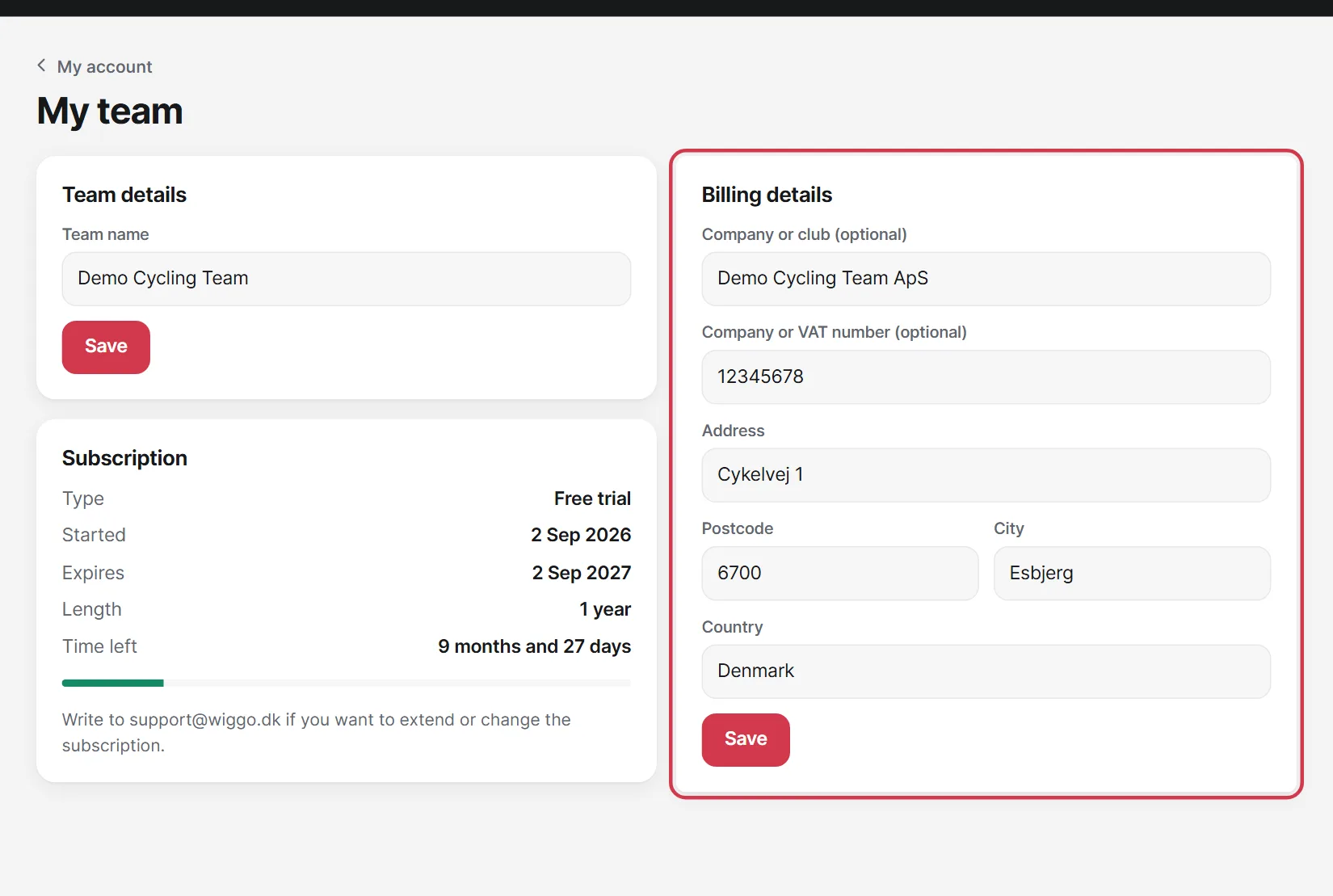
Tap the team name at the top to open My team. Here you see how long the free period lasts, and you can edit the team name and billing details.
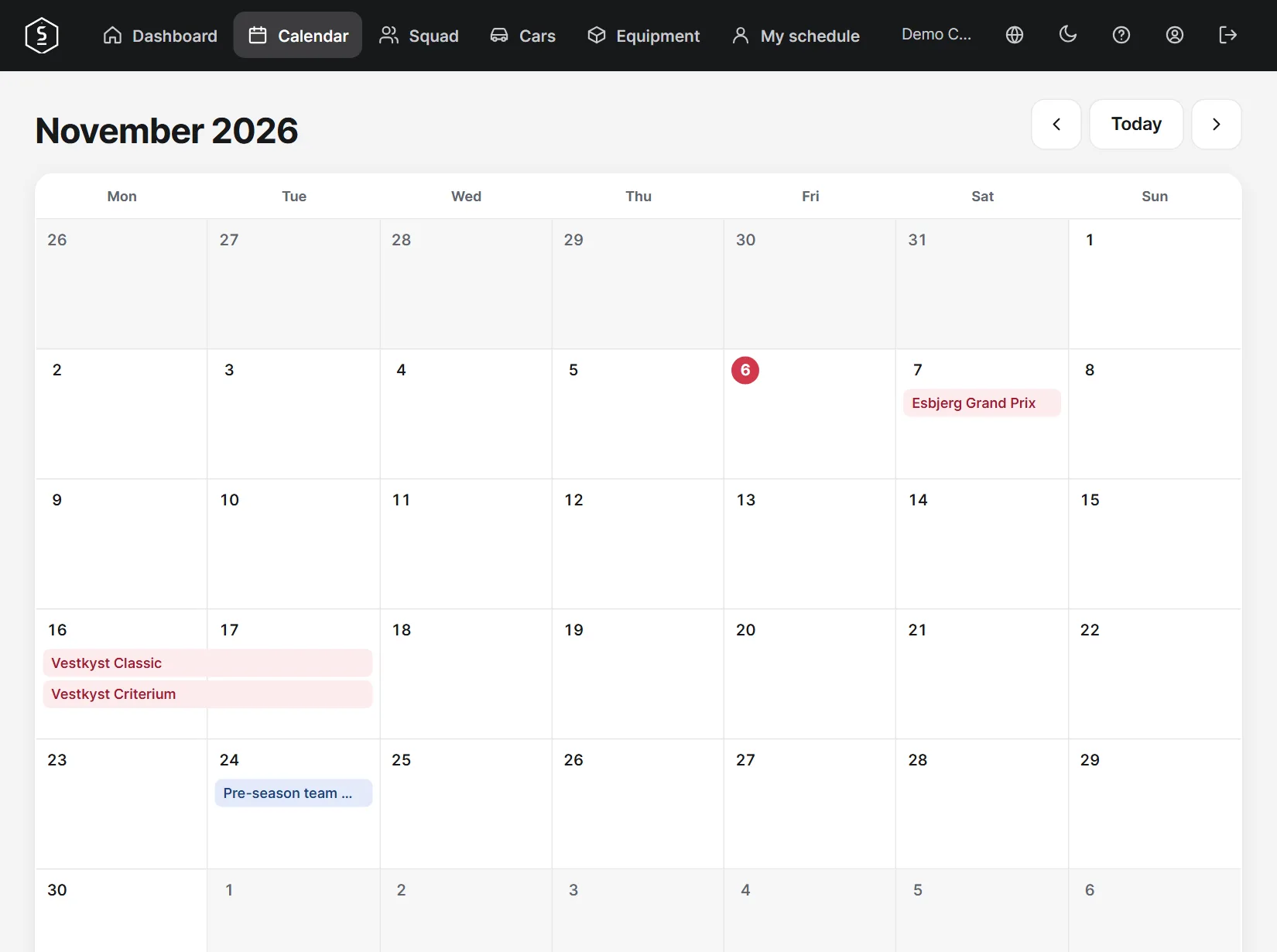
Calendar shows all races month by month.
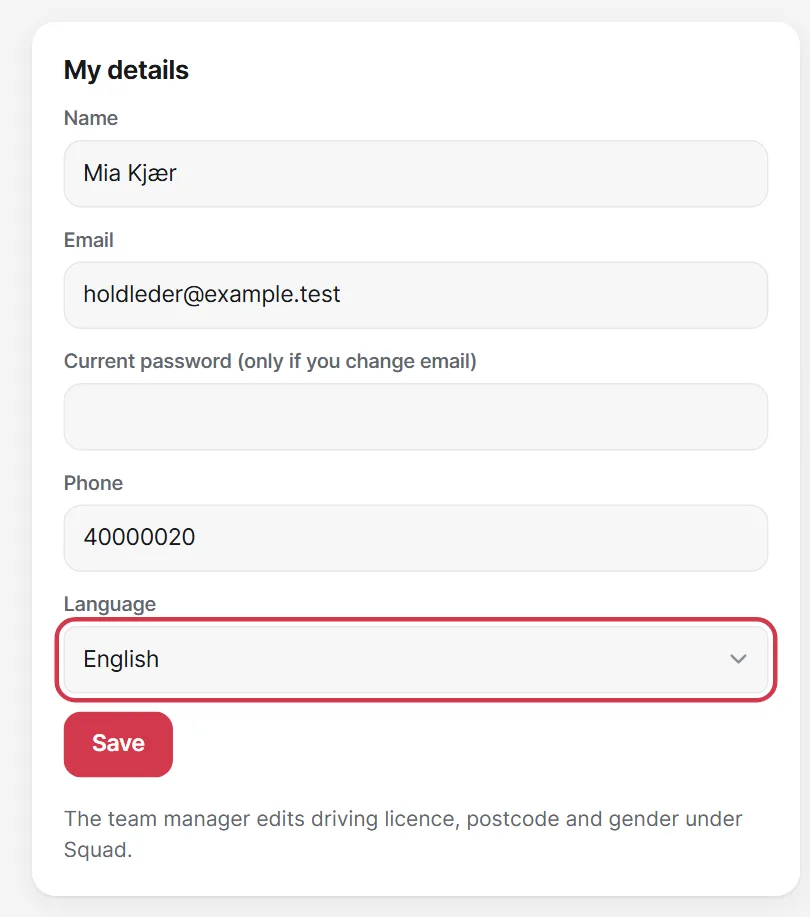
Under My account you can edit your details, language and password.
Tap the question mark at the top, then New case. The reply arrives both in the app and by email. Support is available to team managers and staff.