How to find your way around the app and set up your team for the first time.
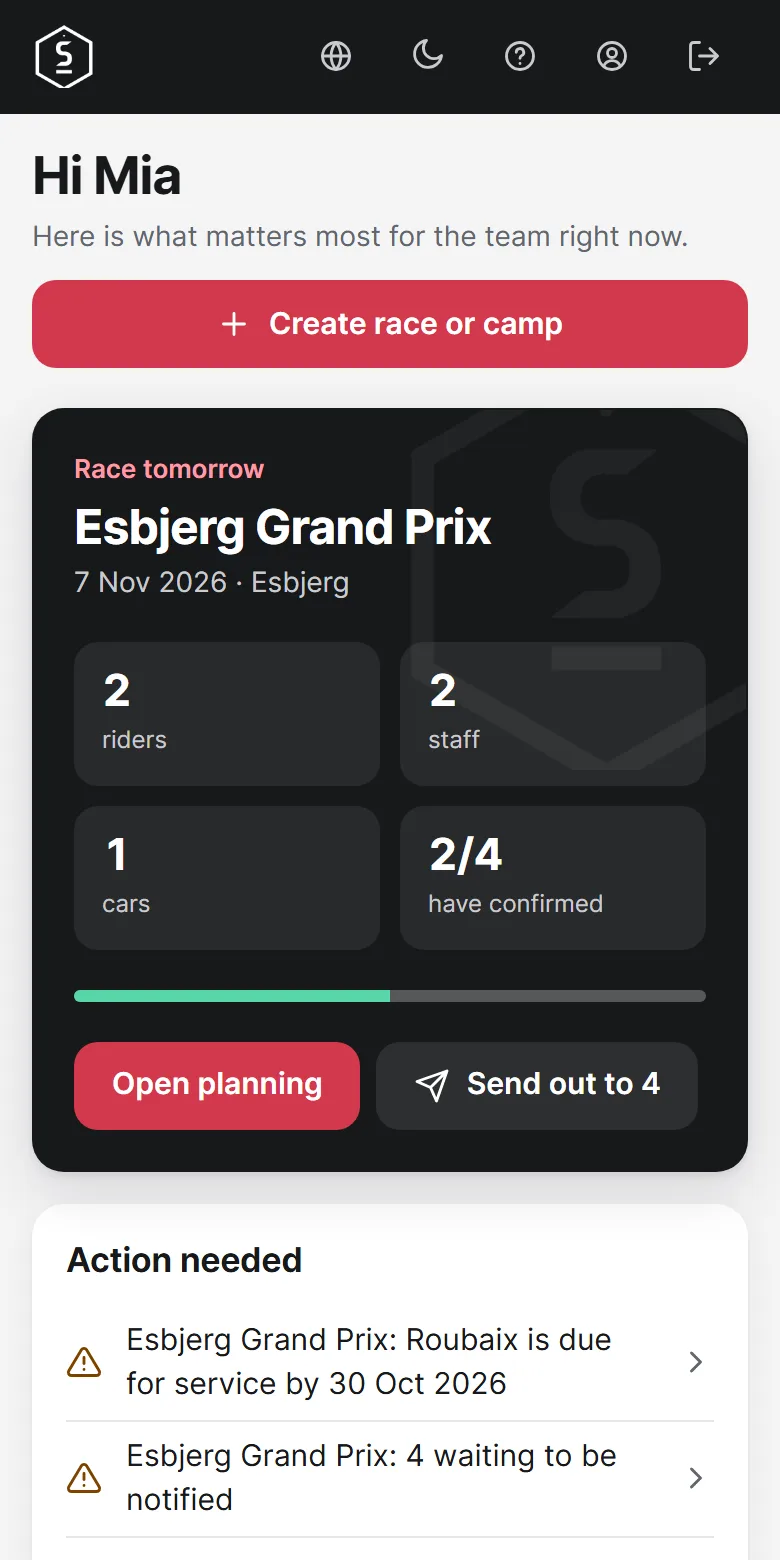
The Dashboard shows the next race and everything that is missing. Action needed lists what you have to deal with, and one tap takes you straight there.
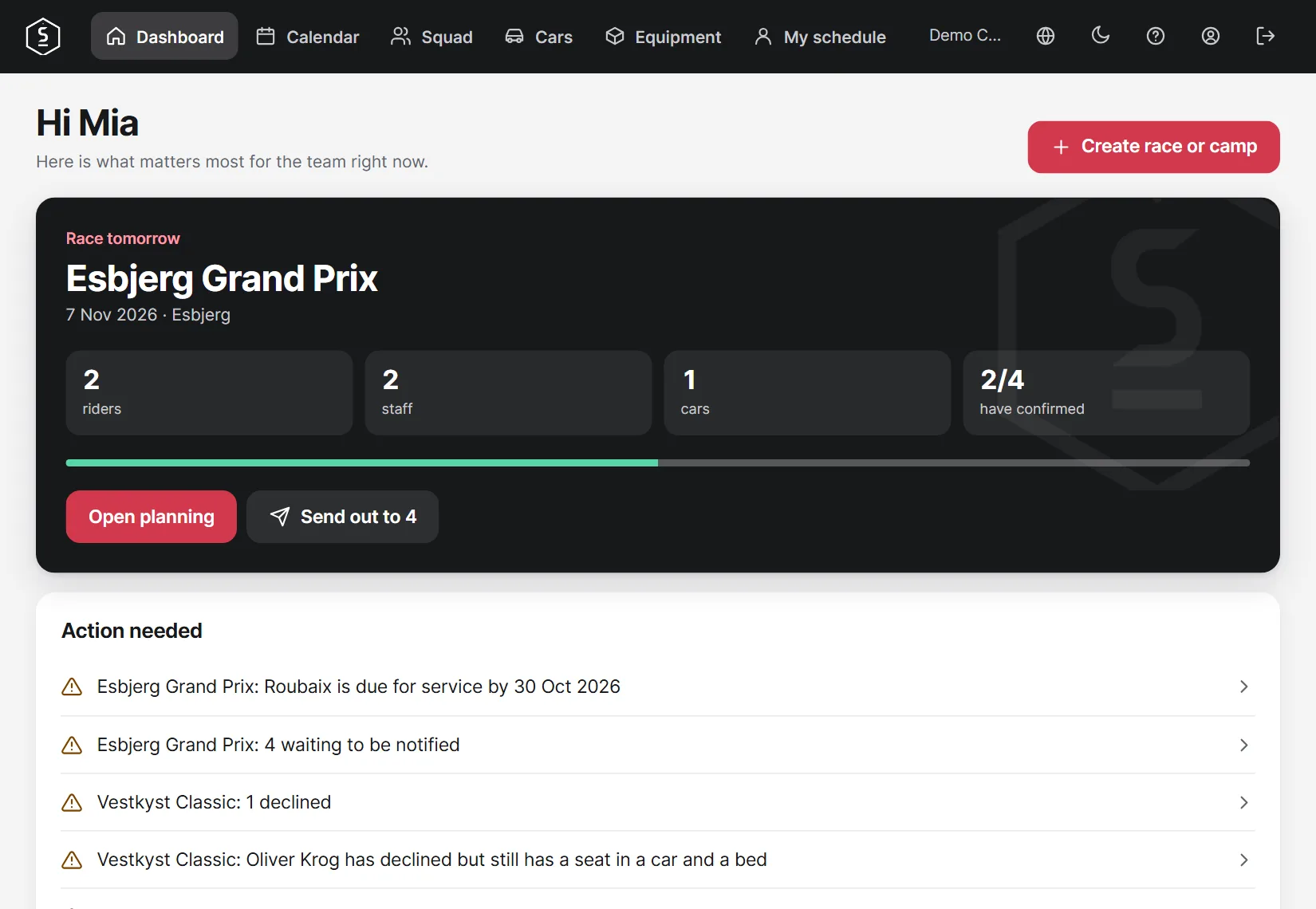
First create riders and staff under Squad, then Cars and Equipment. Once that is done, you can create your first race and choose from the lists.
Everything also works on your phone, where the menu is at the bottom of the screen. Open app.servicecourse.dk and choose Add to Home Screen in Safari on iPhone or Install app in Chrome on Android.