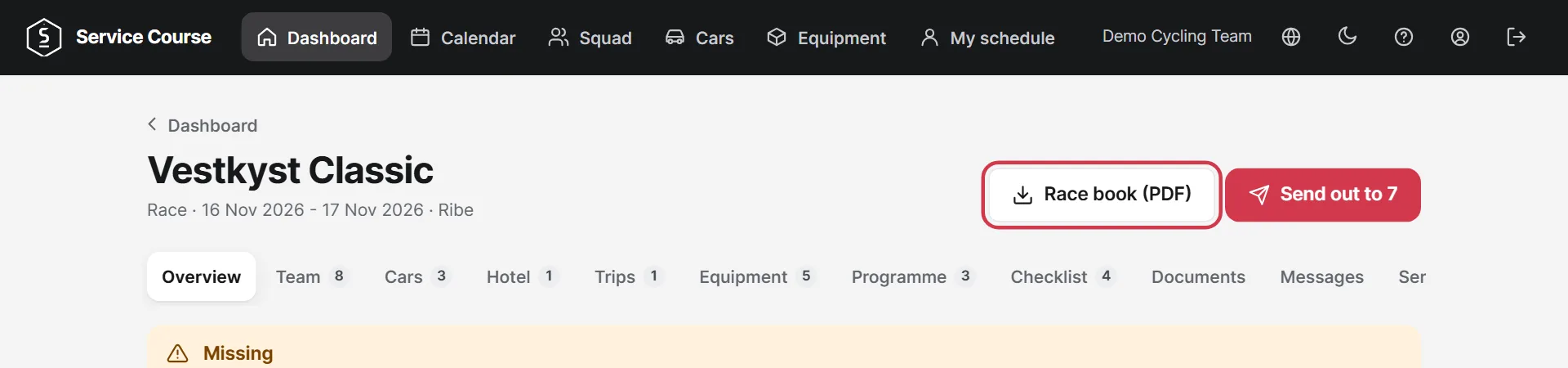
Write to the team, share files and bring everything on paper.
Under Messages you choose whether the message goes to everyone or only to staff.
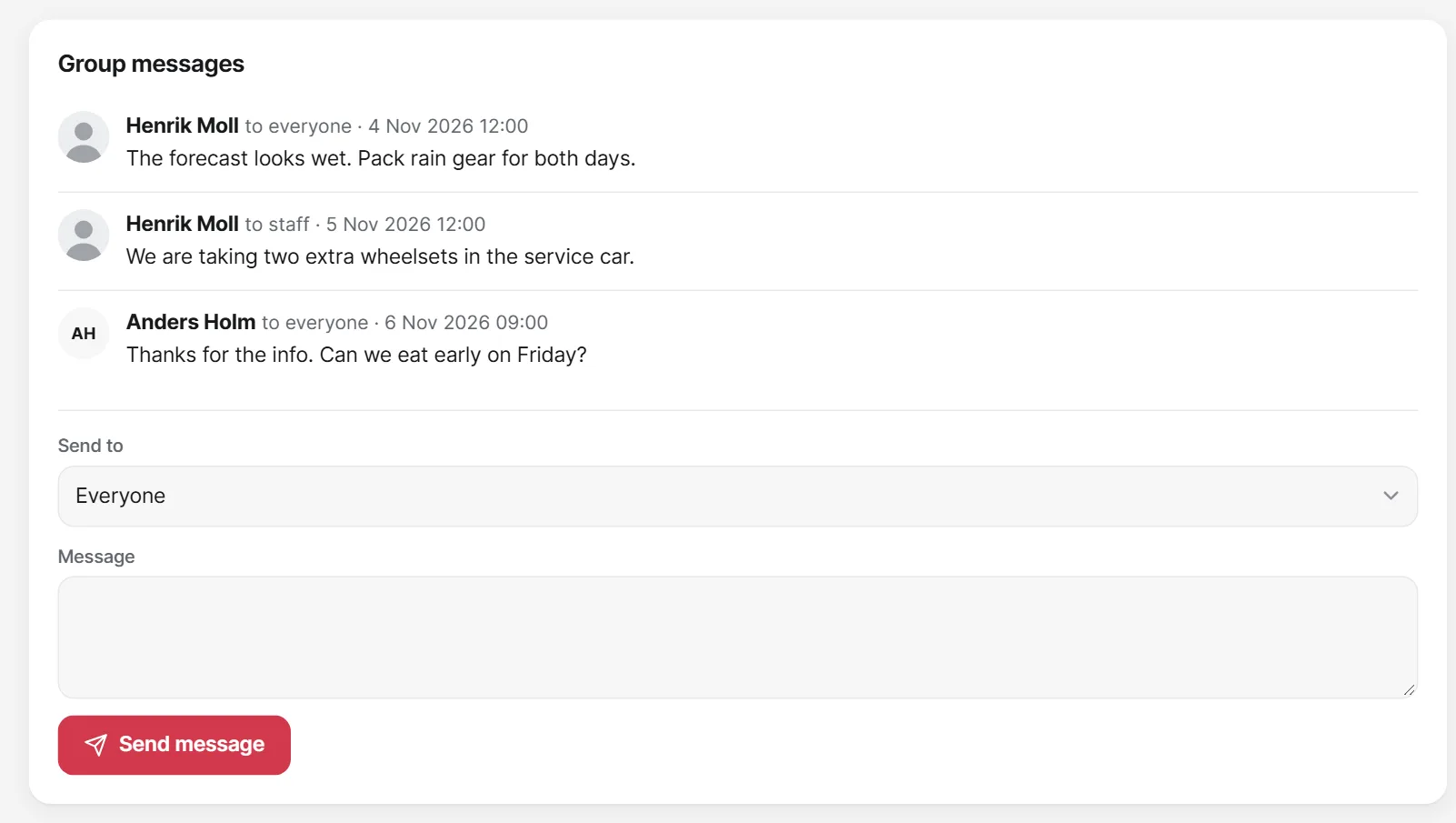
Tap Messages in the menu and then Message to the team. Only the team managers see the replies. In Team chat, everyone on the team can read and write.
Upload a start list or road book, for example, under Documents. The team can see them once you have sent out.
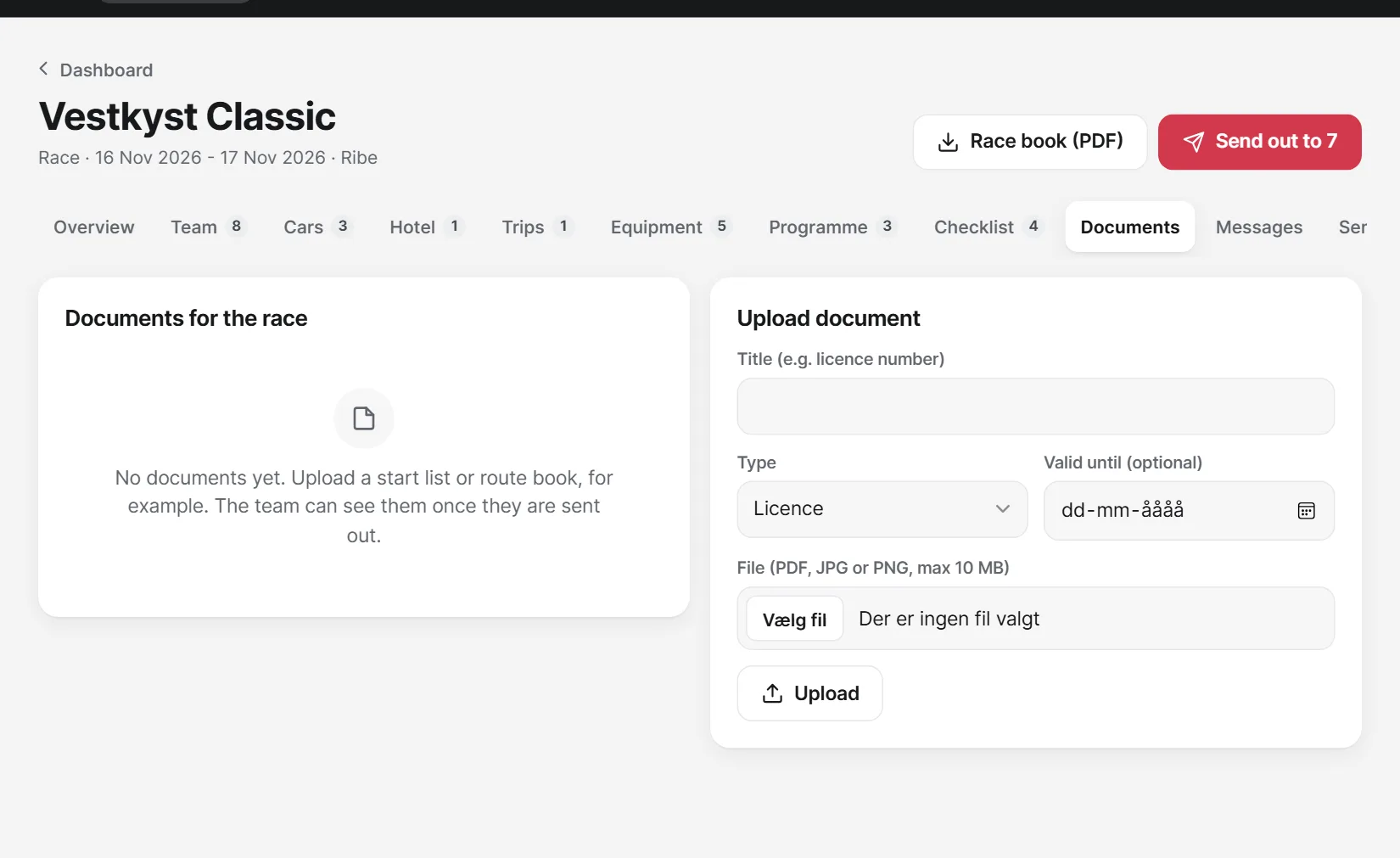
Race book (PDF) collects the race details in one file that you can print or share.